

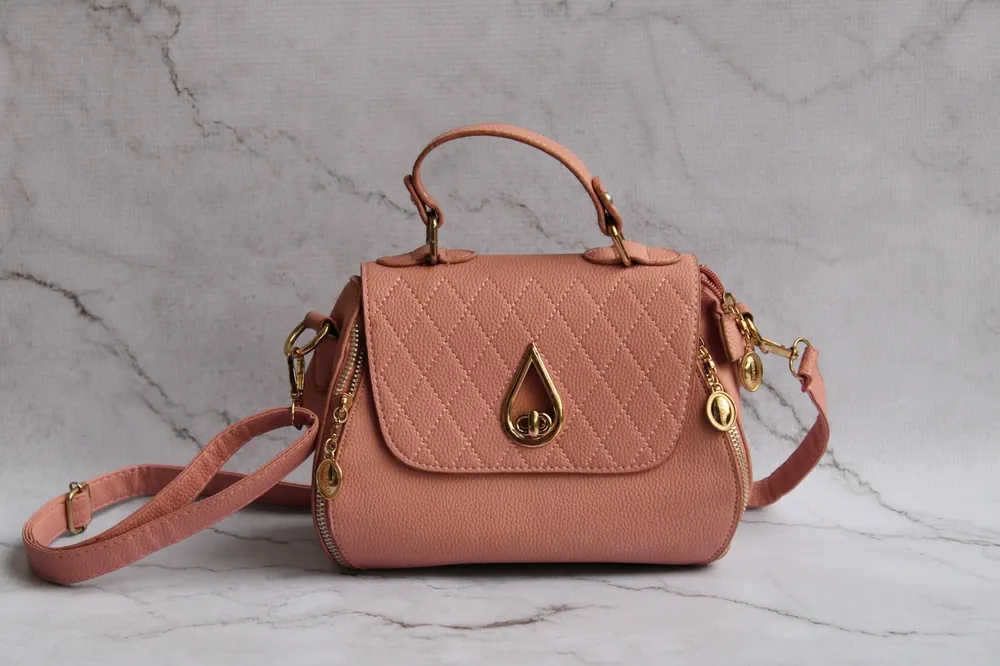
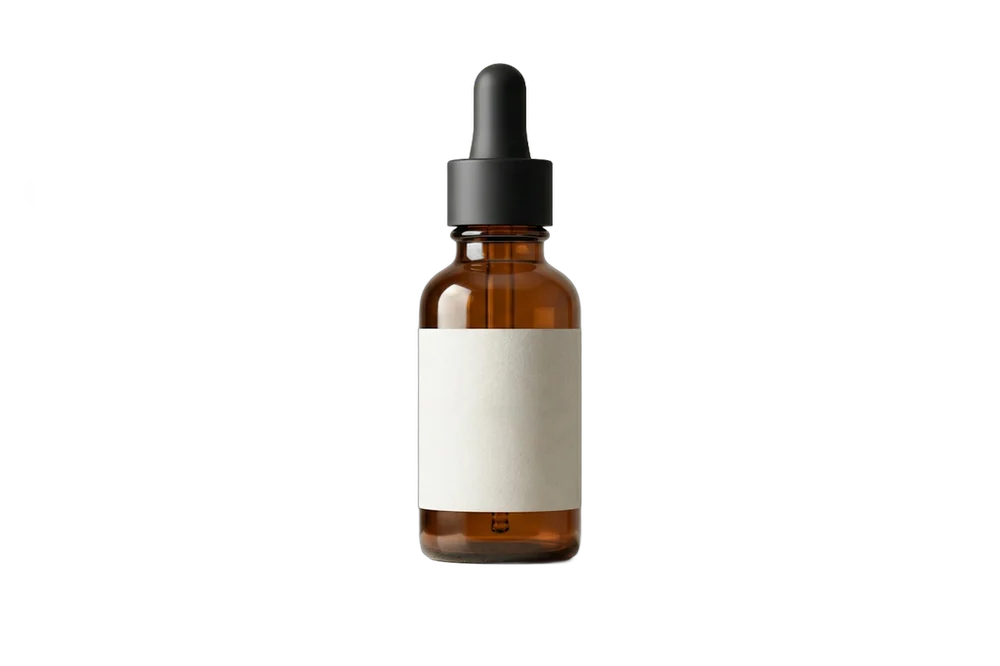
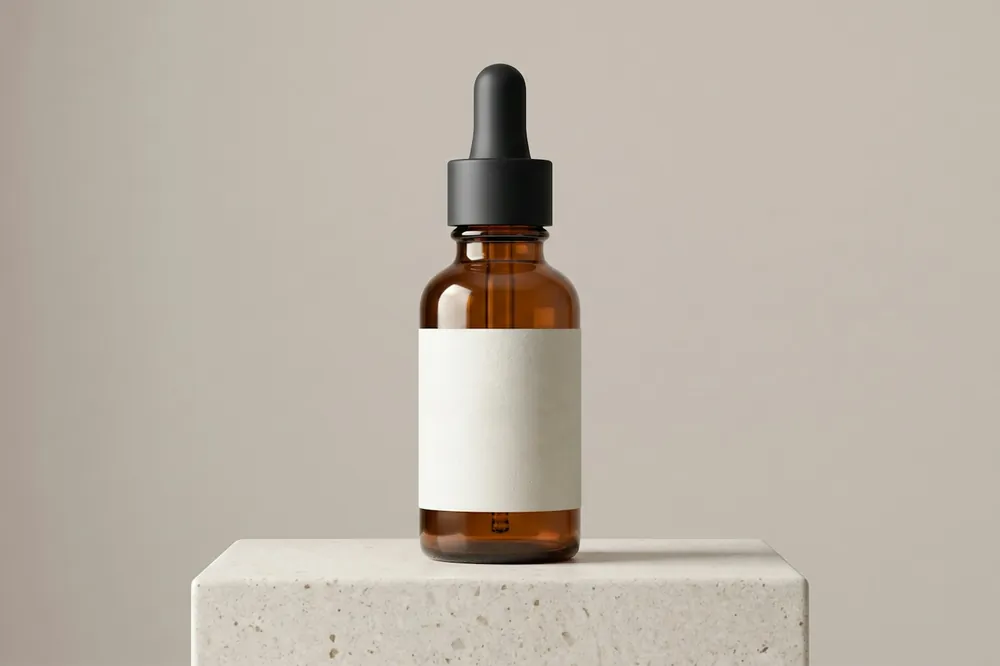
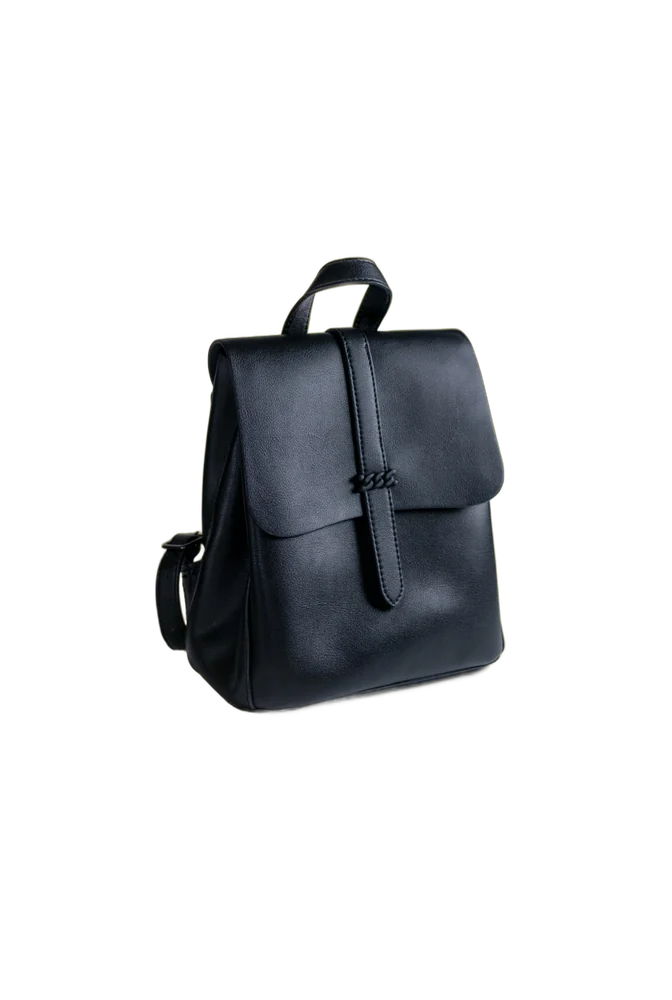
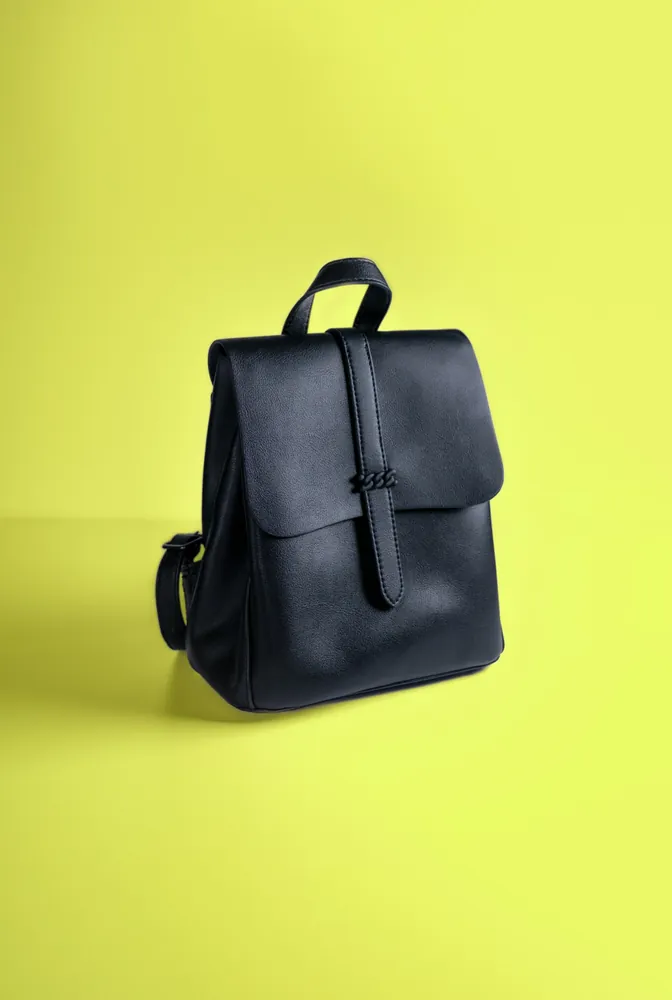
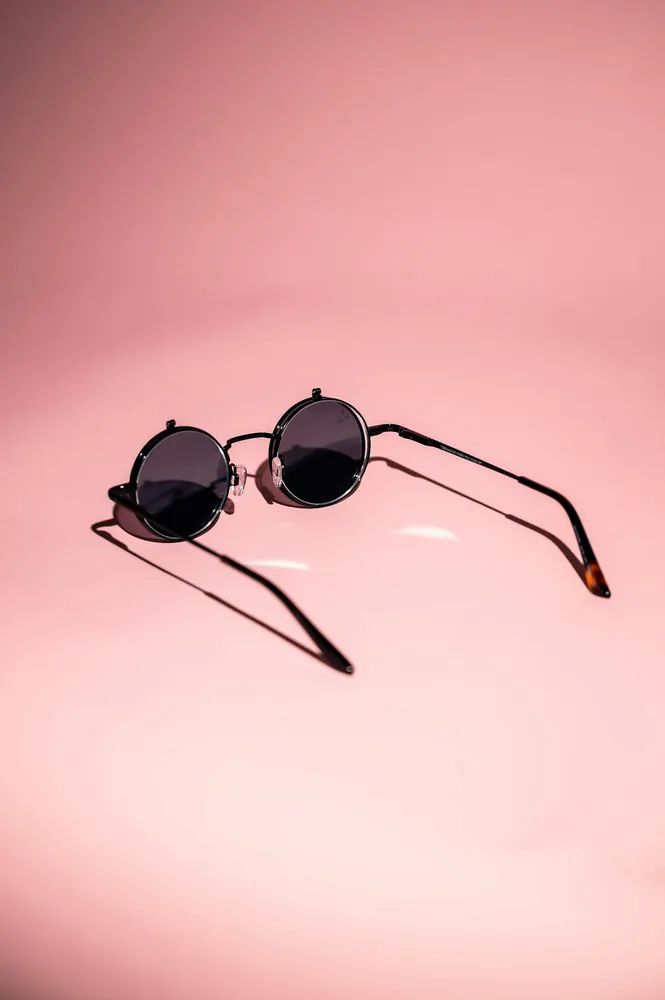
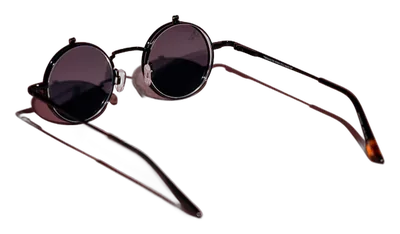
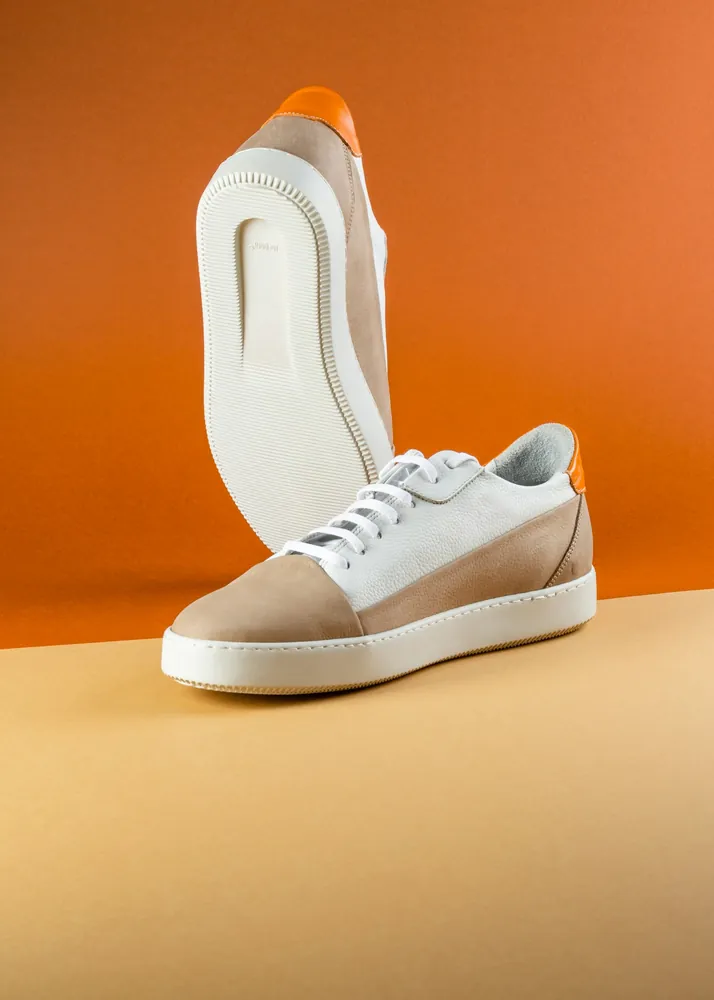
What does BG Remover Bulk do?
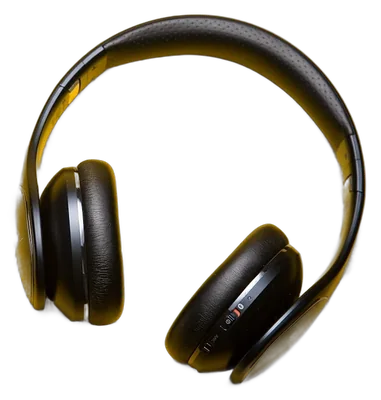
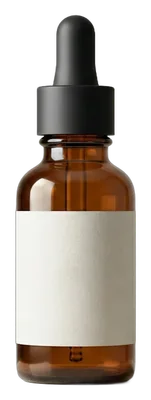
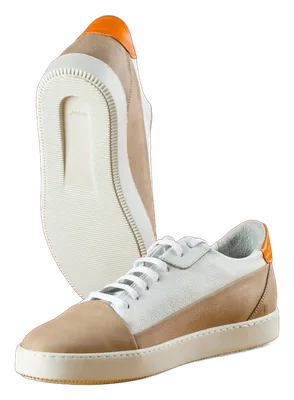
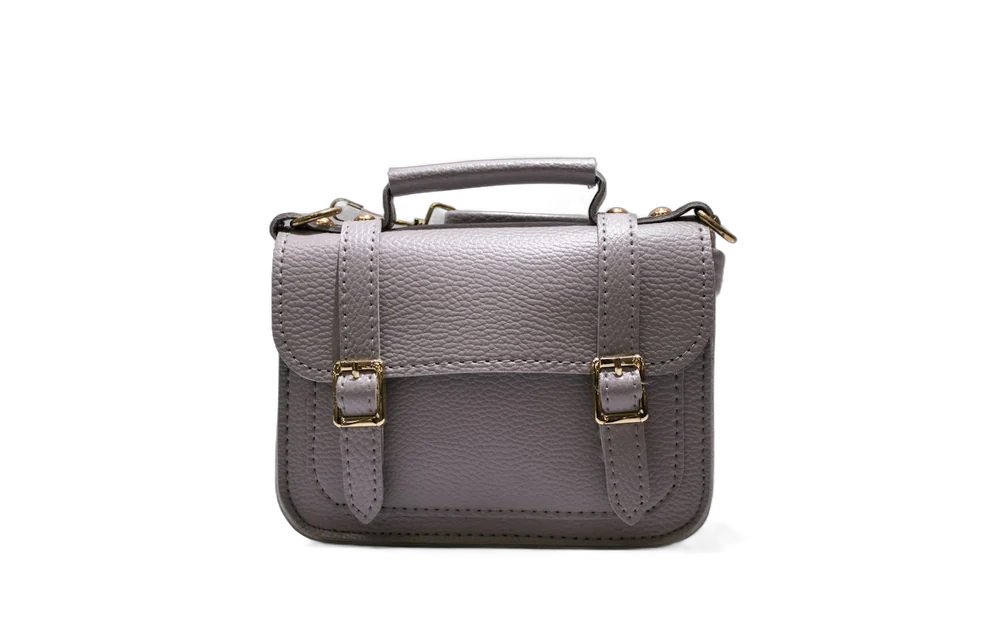
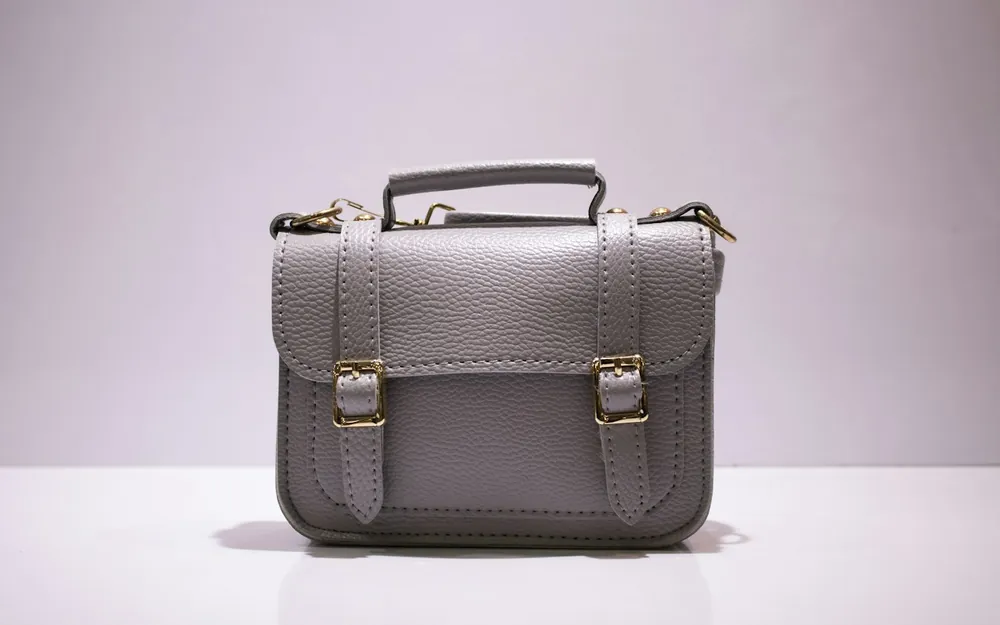
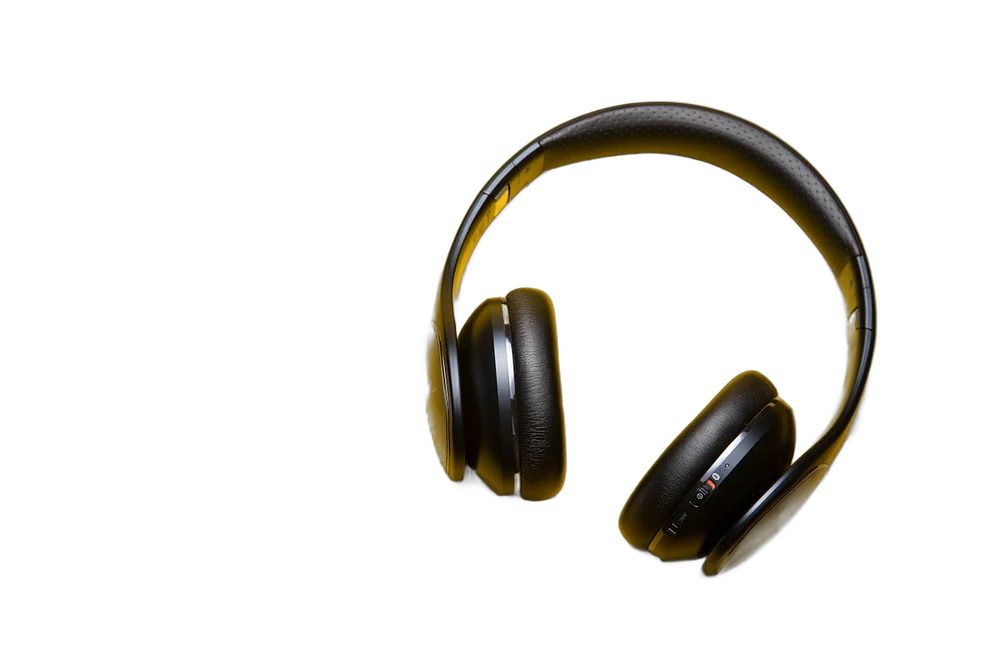
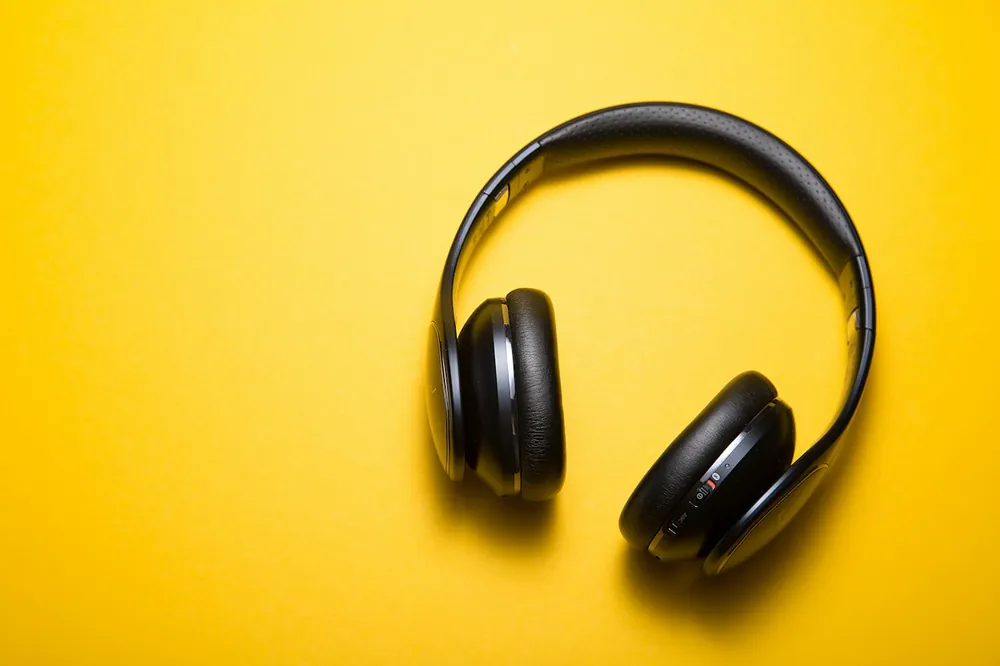
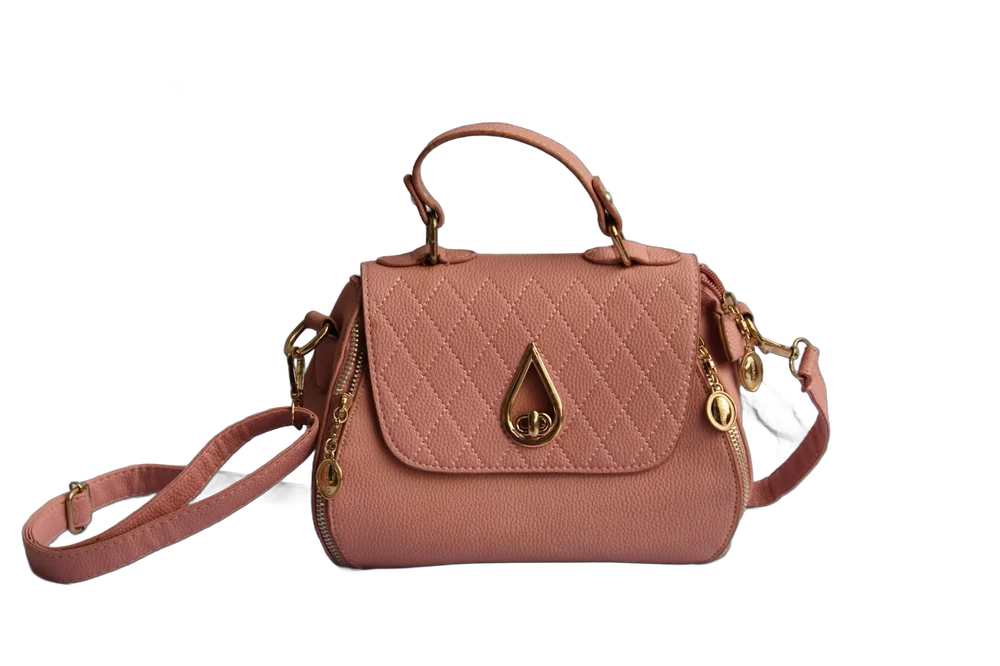
It removes the background from many images in one go. Add a folder of product photos and get each one back as a transparent PNG, or on a colour you choose, in a single ZIP.
- Images per batch
- No fixed limit
- Cost
- Free, no credits or watermark
- Account
- Not needed
- Processing
- On your device, with WebGPU or WebAssembly
- Input
- JPG, PNG, WebP and HEIC
- Background
- Transparent, white, or any colour for the whole batch
- Output
- PNG, or JPG on a colour, one by one or in a ZIP
- Framing
- As shot, or centred on a square with the product at 85, 90 or 95%
- File names
- Kept as they are, or with a background suffix
How do you remove backgrounds from many images at once?
- 01Add images or a folder. Your browser reads them straight from your disk.
- 02Each one is cut out on your device. One after another, and you can pause at any point.
- 03Check, then download. Flip between original and cut-out, pick a background, and save one ZIP.
For a longer walkthrough, read the bulk background removal guide.
Who is it for?
People with a lot of product photos: marketplace sellers who need white backgrounds, Shopify and Etsy stores that want one look, and teams refreshing a catalogue without a reshoot.
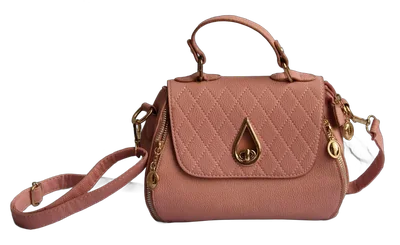 Marketplace listings
 Shopify and Etsy stores
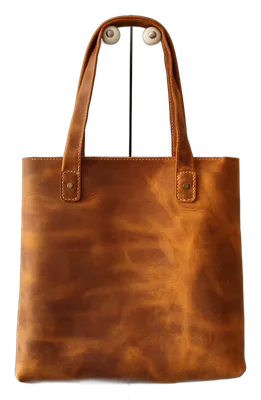 Catalogue refreshes
Are my images uploaded?
No. The cut-out model downloads to your browser once, is cached, and runs there. Finished cut-outs stay on your device until you press Clear, and any left from a closed tab are removed the next time you add images.
How do you get cleaner cut-outs?
- Batch by shoot. Photos taken under the same light come out alike.
- Contrast over resolution. A product that stands out from its backdrop cuts cleaner than a huge, flat photo.
- Review the hard ones. Hair, glass, mesh and white-on-white products need a second look.
- Name files first. Names are kept, so photos named by SKU come straight back.
Frequently asked questions
How many images can I process at once?
There is no fixed limit. Images are processed one after another on your device, so a large batch simply takes longer. You can pause and resume at any point. Very large downloads are split into ZIP files of up to 2 GB.
Is it really free?
Yes. There are no credits, watermarks or paid plans, because your own device does the work.
Are my images uploaded anywhere?
No. The cut-out model downloads to your browser and runs there. Your images, the results and the ZIP never leave your device.
What format are the results saved in?
Transparent PNG by default, or PNG or JPG on a white or colour background. Choose Square to centre each product on a square image, filling 85, 90 or 95% of it. Download one image or the whole batch as a ZIP, with file names kept.
Can I put a colour behind the products?
Yes. Pick White, one of the swatches or any colour from the picker. It is applied to every image in the batch when you download, so you can change it after the cut-outs are done.
Does it work on a phone?
Yes, in a current mobile browser. Phones use a lighter model, and large batches finish faster on a laptop or desktop.